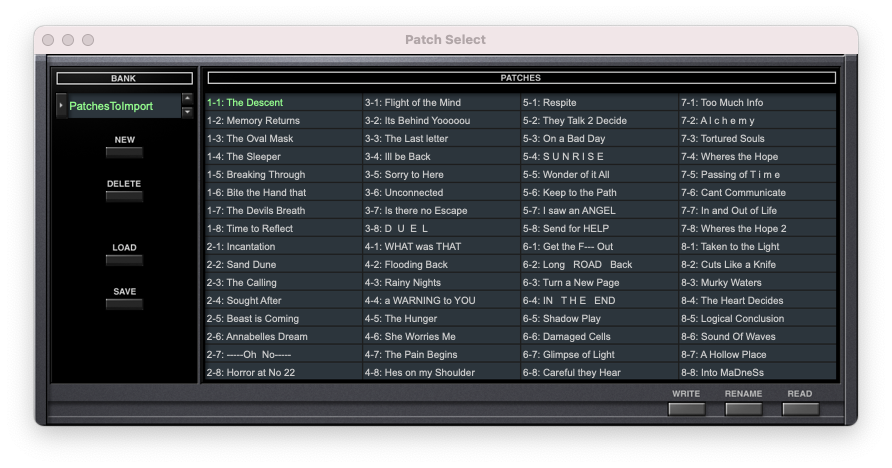
How to load patch banks in MIDI SYSEX format (.syx) from the D-50 keyboard into the D-50 plug-in.
1. In the D-50 plug-in, press the PATCH button.
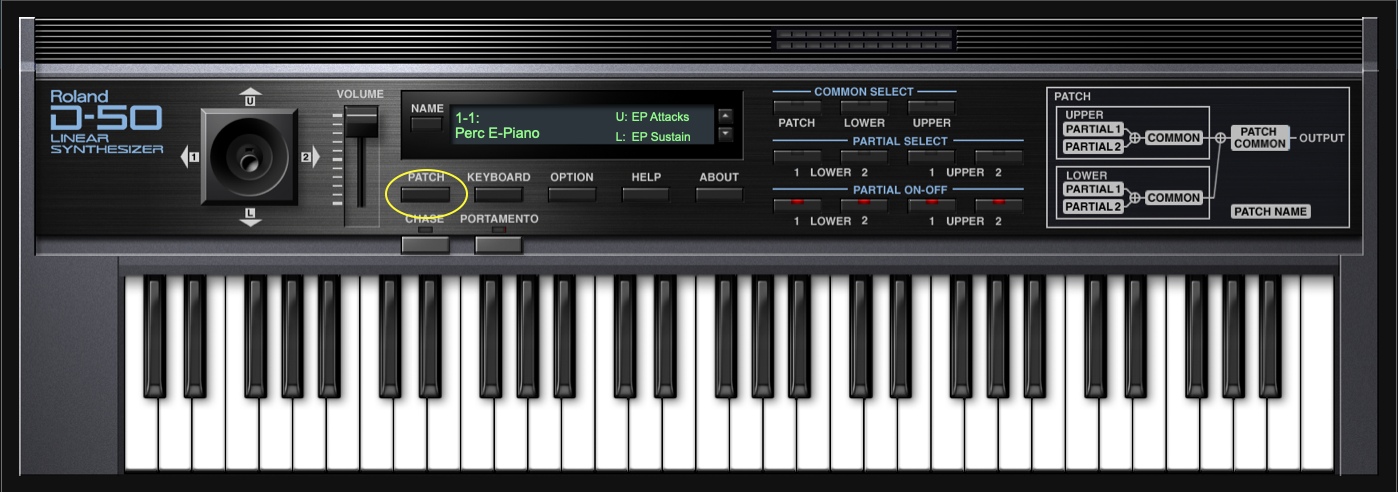
2. The "Patch Select" window opens.
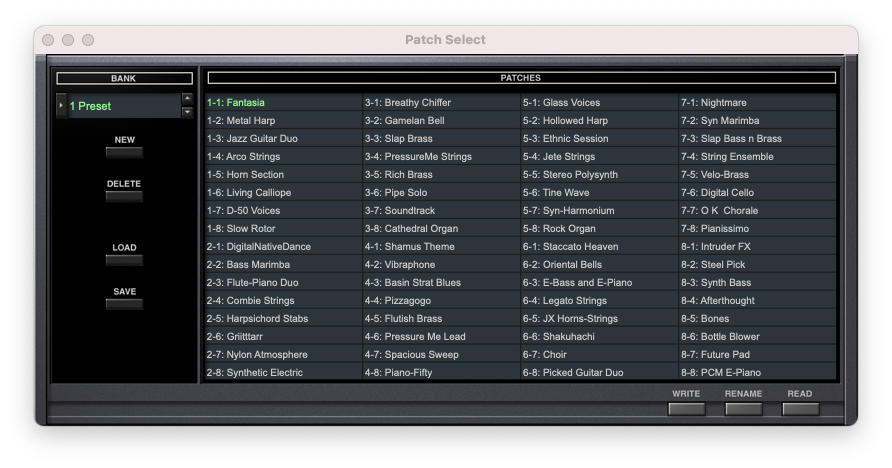
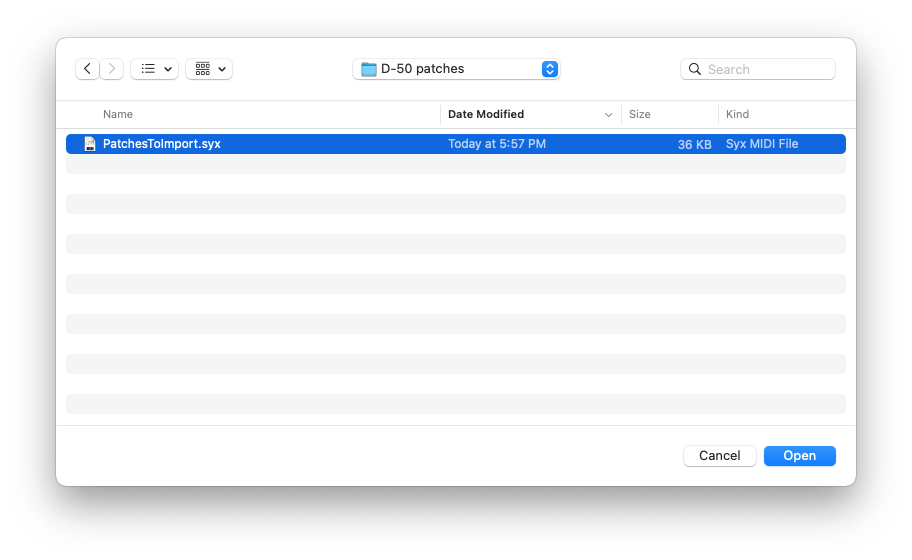
3. Press the LOAD button. A File dialog window opens.
4. Choose the desired D-50 .syx file. Click "Open":
5. A new bank is created and patches are imported.