No. The EXCHANGE function on the BOSS GX-100 swaps user memories only. Preset memories cannot be exchanged.
To exchange the positions of two user memories, follow the steps below. Refer to "Saving a memory" in the GX-100 Reference Manual for details.
- Select the user memory whose position you want to change.
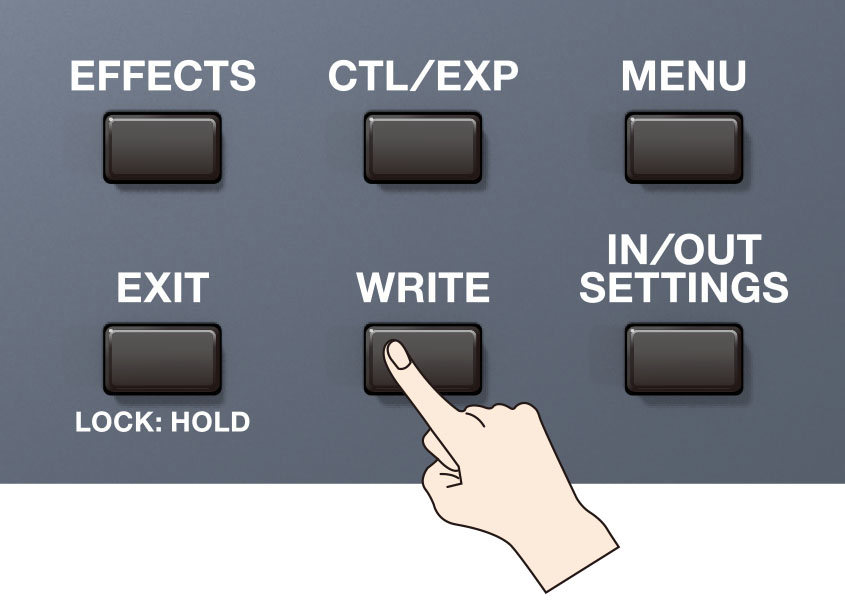
- Press the [WRITE] button.
- Touch <EXCHANGE> or press the [2] knob.
- Use the [SELECT] knob or BANK switches and 1-4 switch to specify the user memory you want to exchange the position with and the one you selected in step 1.
Select and designate the FROM: and TO: USER PATCHES you want to exchange/swap, this is necessary in order for the <EXEC: [WRITE]> option to be available. - Touch <EXEC: [WRITE]> or press the [WRITE] button.
The confirmation message appears. - Touch <OK>.
* Alternatively, pressing the [4] knob or [WRITE] button can also execute it.