To use the three pedals (Damper, Sostenuto, and Soft) with the Roland FP-60, there are two main connection methods:
Using the Dedicated Three-Pedal Unit “KPD-90” with the Stand “KSC-72”
Attach the dedicated three-pedal unit KPD-90 (sold separately) to the FP-60 dedicated stand KSC-72 (sold separately) to enable the use of all three pedals.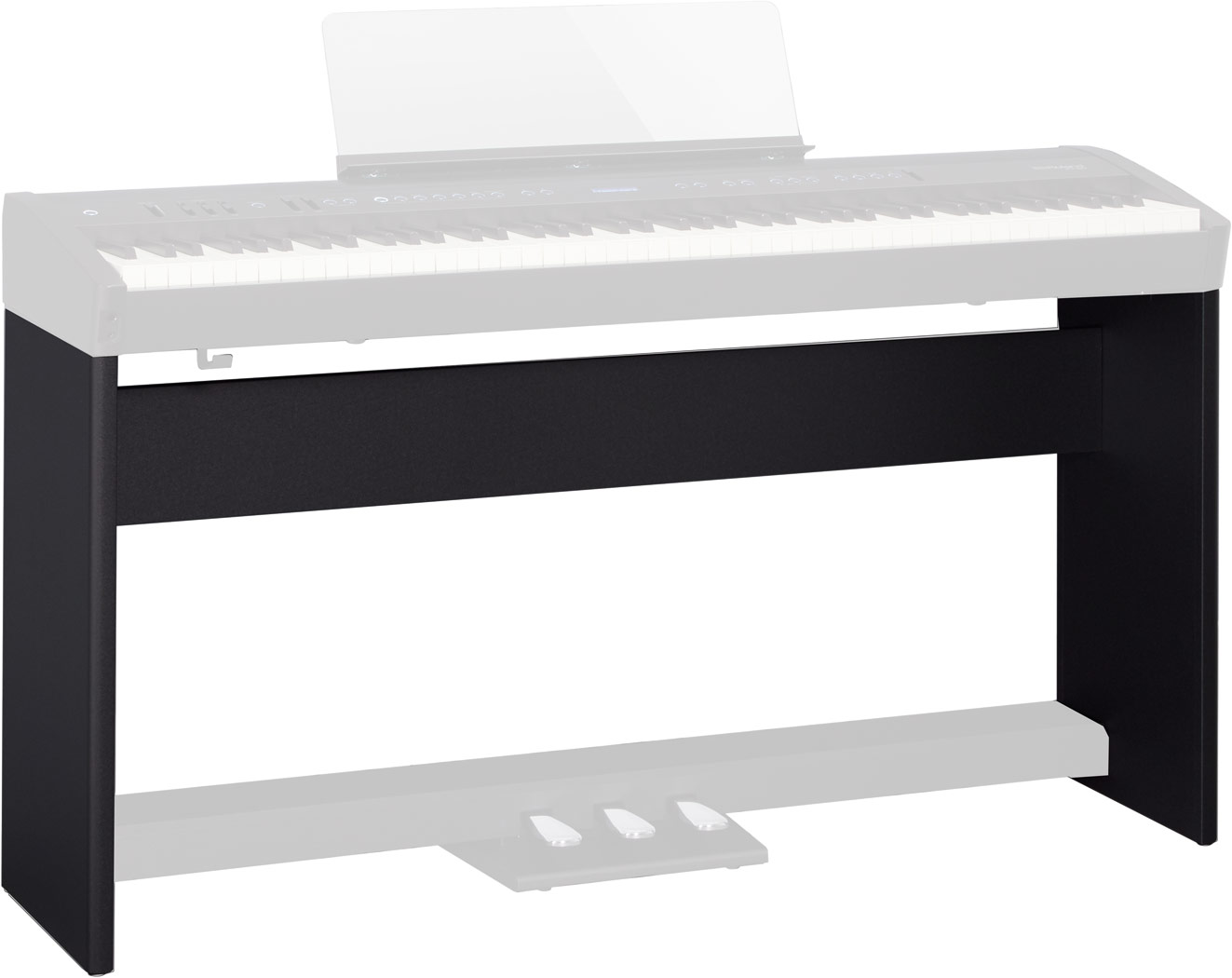 +
+ 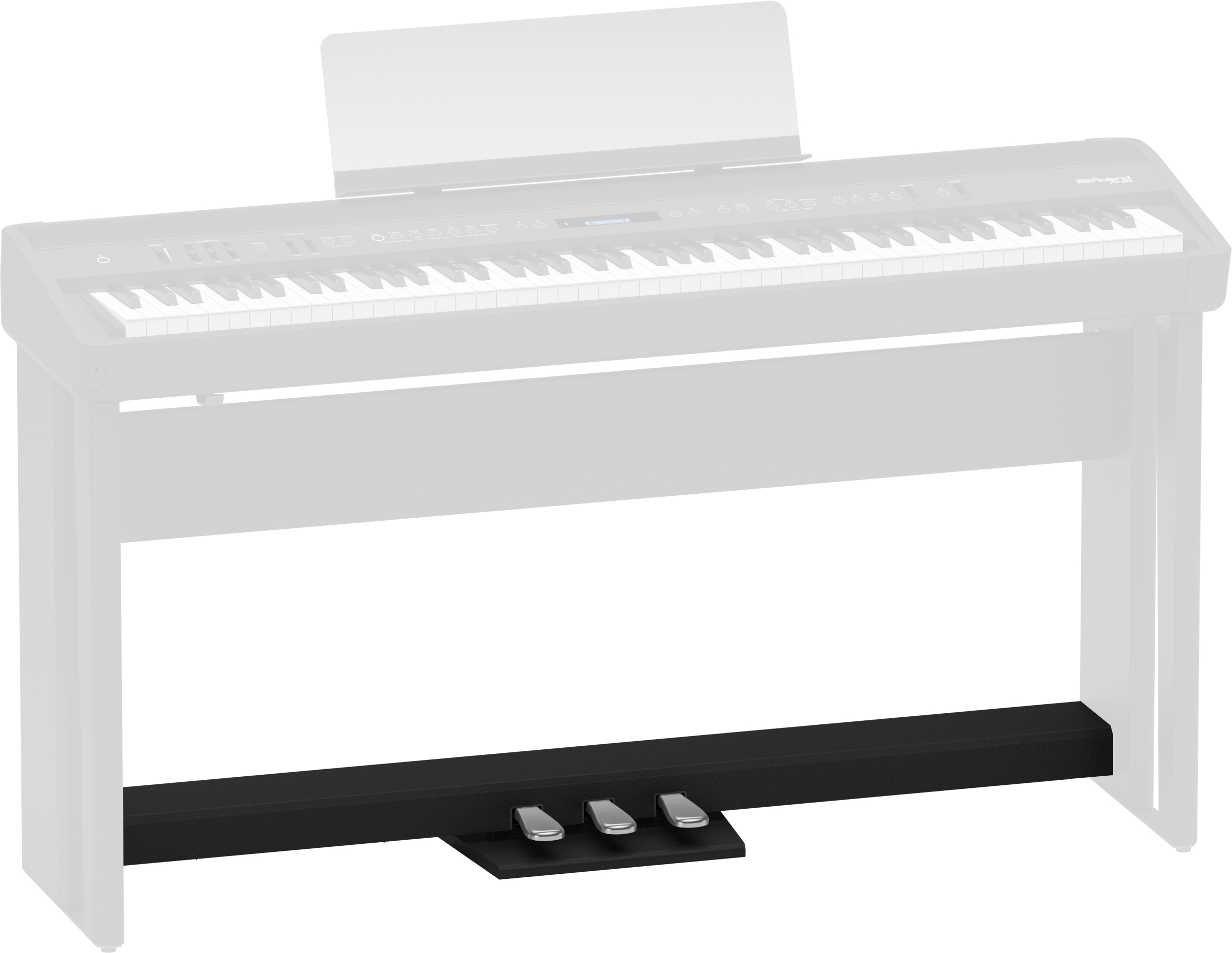
Note: The KPD-90 cannot be used on its own.
Note: The KPD-90 can only be attached to the KSC-72 stand. It is not compatible with other stands.
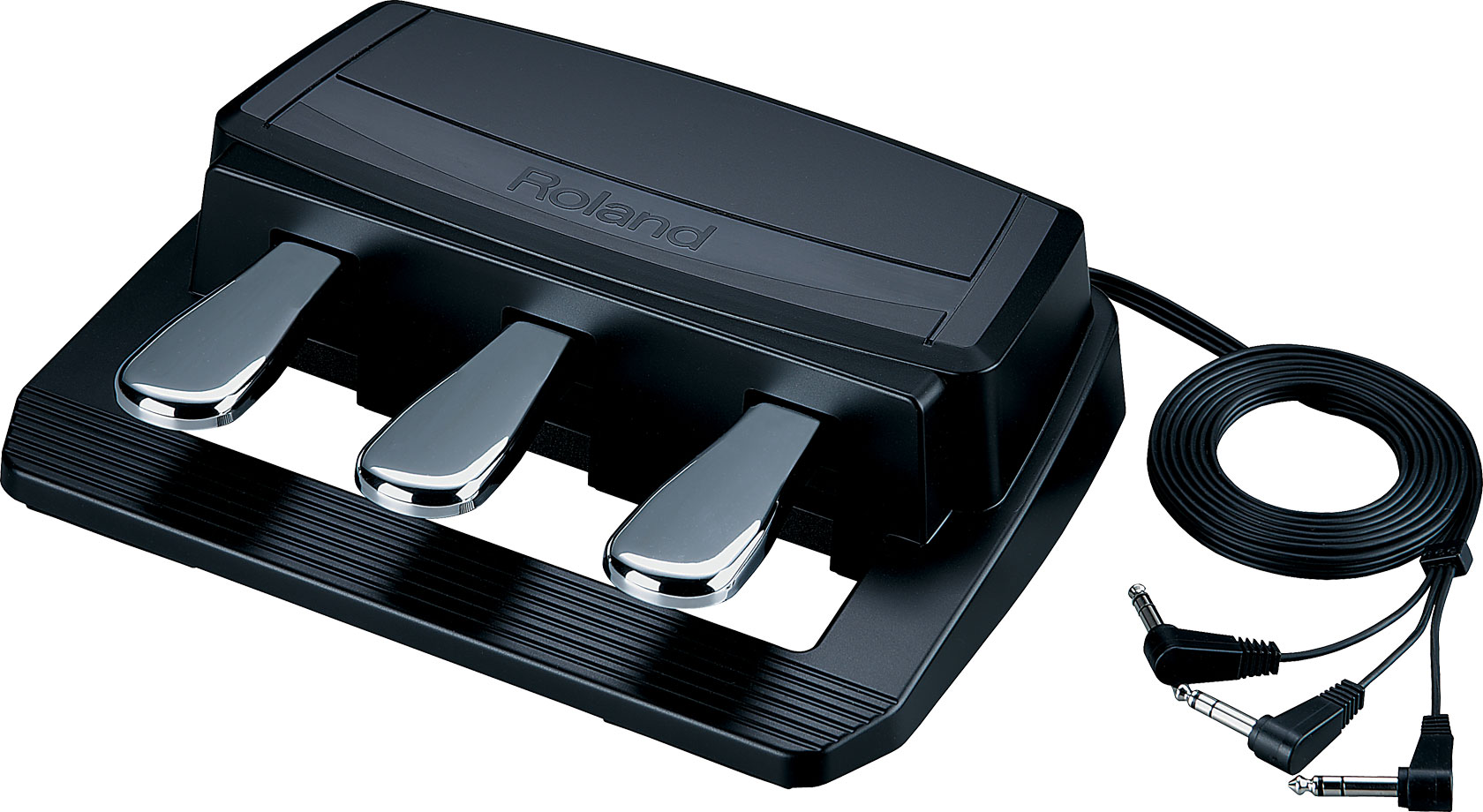
Using the Three-Pedal Unit “RPU-3” with the Pedal Damper/Sostenuto/Soft Jacks
Connect the three-pedal unit RPU-3 (sold separately) directly to the Pedal Damper, Pedal Sostenuto, and Pedal Soft jacks on the FP-60’s rear panel to use all three pedals.
Assigning Pedal Functions
When using a three-pedal unit, you can assign functions to each pedal. Below is an example of assigning the Soft pedal function to the left pedal. Use the same procedure to assign functions to the center and right pedals.
- Press the [Function] button.
- Use the [◀] [▶] buttons to select “Left Pedal.”
- Use the [–] [+] buttons to select “Soft.”
- Press the [Exit] button several times to exit Function mode.